For Croatian sole traders and micro-businesses

Paying for Google or Meta ads? Then you have a monthly PDV-S return.

The obligation applies even when you are not VAT-registered — receiving a service from a supplier in another EU member state is enough. The deadline is the last day of the month, for the month before. You forward the invoice by email; we read the supplier, amount and date, apply the HNB middle rate for the invoice date, calculate reverse-charge VAT and prepare the return for ePorezna.

Sign up - 30 days free How it works

Try it before signing up

demo@evidno.com

Forward one foreign invoice to that address. About fifteen seconds later you get a filled-in PDV-S form attached - no account, no card, nothing to fill in.

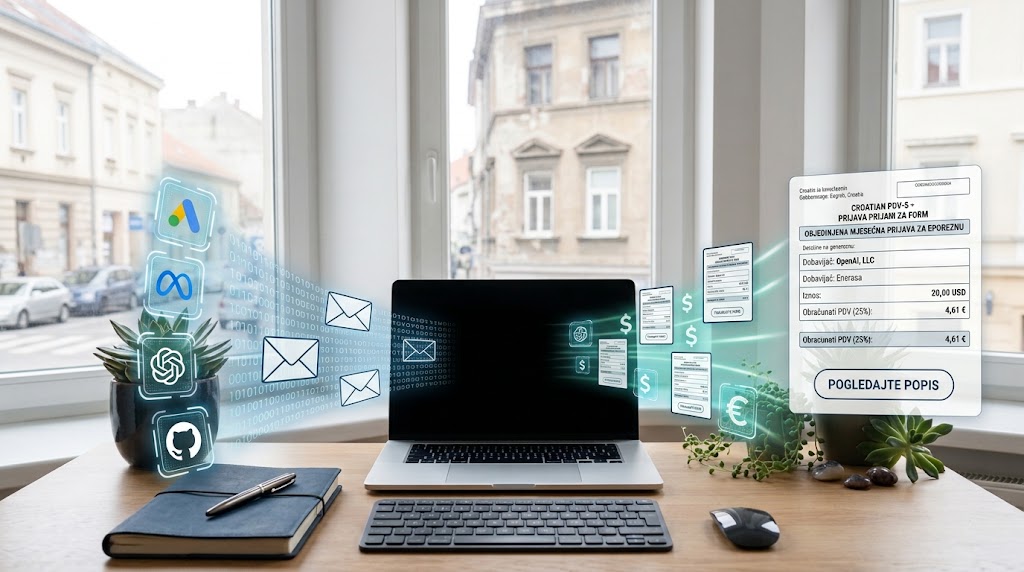
A laptop on a desk. Invoices from EU suppliers arrive by email and leave as a single monthly PDV-S return.

The signature and the filing stay with you

You record invoices here and download the return as a file. As with any record-keeping tool, what you submit to the authority is signed by you or your accountant.

Foreign invoices and PDV-S

✓ included · ✕ out of scope

For example: a sole trader paying for Google Ads, OpenAI and hosting each month pays €69 a year - about €5.75 a month - and PDV-S is handled for the year. Recording invoices is free and unlimited; what you pay for is the consolidated return. Cancel whenever you like.

Evidno PDV

Forward a foreign invoice by email and receive a completed PDV-S return for Croatia's ePorezna tax portal.

For Croatian sole traders and micro-businesses paying for Google, Meta, OpenAI or GitHub.

Forward the foreign invoice to your address in the system. We read the supplier, amount and date, convert at the Croatian National Bank rate, and assemble the monthly return.

INTERFACE PREVIEW
To:invoices+ana@evidno.com
Attachment:google-ads-2026-07.pdf
SupplierGoogle Ireland Ltd
VAT IDIE6388047V
Date2026-07-14
AmountEUR 48.00
VAT 25 %€12.00
One action: forward the invoice. Everything else fills itself in.
  • Available: Reads supplier, amount, date and currency directly from the PDF
  • Available: Converts at the HNB middle rate for the invoice date
  • Available: Applies the last published rate for invoices dated on weekends or public holidays
  • Available: Calculates reverse-charge VAT at 25 %
  • Available: Consolidates every invoice in the period into a single monthly return
4 more capabilities
  • Available: Lets you correct any value the system did not read confidently
  • Available: Retains the original source document with every record
  • Available: Produces Obrazac PDV as well, where the VAT is calculated and paid — filed alongside PDV-S
  • Available: A non-EU supplier (OpenAI, GitHub) goes on Obrazac PDV, in position II.13

Out of scope: EU goods acquisitions (column I1) are not separated automatically — every amount goes to I2 (services) · The ZP form — services you supply into the EU — is out of scope · We do not file on your behalf — you submit the return yourself

Try it without an account

demo@evidno.com

Forward an invoice from an EU supplier — Google and Meta invoice from Ireland — and about fifteen seconds later you get a filled-in PDV-S form attached, along with the reading: supplier, date, the HNB rate with the date it applied from, the EUR base and the reverse-charge VAT. Send a non-EU one too, say OpenAI or GitHub: we will reply that it belongs on the PDV form rather than PDV-S.

We do not keep the invoice you forward — it is processed and discarded. The fields an invoice cannot tell us (your OIB, address and tax office) are marked in the file for you to complete.

€69/ per year · or €7.99 per month Recording invoices is free and unlimited. What you pay for is the consolidated monthly return for ePorezna.

Create an account Sign in

Why you might trust us

No small print

Data is in the EU, with one exception we owe you

Servers are in Germany and the data stays there. The exception is reading: the content of a forwarded invoice goes to Anthropic (US) to be read, under EU standard contractual clauses and never used to train a model. That is the only moment anything leaves the EEA, and we would rather write it here than have you find it in §5 of the data processing agreement.

You know what you are buying before you pay

The service says what falls outside it — before you pay, not afterwards. We do not keep your books, run payroll, or file on your behalf, and we say so.

Your data is yours, and you can take it

Exporting everything and deleting your account are both things you do yourself, at any time, without waiting on us. The original invoice is kept alongside its record for as long as you are a customer, so an inspection finds both the document and the return that cites it in one place. We do not sell data and do not use it for advertising.

Every change is recorded

A permanent record of who changed which entry, and when — the evidence you need in an inspection.

The file is checked against the tax authority's own schema

PDV-S is validated as it is produced against the official XSD (ObrazacPDVS-v1-0) that the Porezna uprava publishes — not against our assumption of what the form looks like. Beyond that, each file says whether the target system has actually accepted one or whether the shape merely conforms to the documentation: ePorezna has not yet accepted a return made with this tool, and that is what it says. The status is not set by hand — a test fails if it is raised without real confirmation.

See the list

Questions you should be asking us

What is PDV-S, and why would I have to file it?

PDV-S is the monthly form that reports goods acquired and services received from other EU member states. When a Croatian sole trader pays for Google or Meta ads, the supplier invoices without VAT because the liability shifts to you. This applies even when you are not VAT-registered, which is exactly why so many people do not realise it concerns them: you charge no VAT on your own work, but the obligation is still yours. It attaches to the EU supplier, not to your VAT status. Important: Obrazac PDV is filed alongside PDV-S and that is where the VAT is calculated and paid. Evidno produces both.

When is it due, and what if I have never filed one?

The last day of the month, for the month before. Since 1 January 2026 that is the same for PDV, PDV-S and ZP — it used to be the 20th. Whether you owe anything for past periods, and what to do if you do, is a question for your accountant or the tax administration and not one we can answer. What we can do: forward the old invoices and Evidno prepares a return for any period, not only the current month.

What if I had no foreign invoices in a month?

Evidno will tell you there were no EU acquisitions for that period and will not generate a return with nothing in it. Whether a nil return is filed or nothing is filed depends on whether and why you are registered, so check that with your accountant. One thing we do know, and the guides say it: filing two returns for the same period is worse than filing none.

Is this approved by the authorities?

No, and be sceptical of anyone claiming otherwise — the tax administration and ministries do not approve private software. Nobody on the market holds such an approval, because it does not exist. What matters is that the file validates and is accepted; if it is not, we fix it at no charge.

Why only PDV-S, and not full bookkeeping?

Because PDV-S is the task that repeats identically every month and costs time out of all proportion to its difficulty. Bookkeeping needs the judgement and the liability of a licensed professional; reading an invoice, applying the HNB mid rate for the invoice date and assembling the form does not. We do only this, so we do all of it.

What if the file format turns out to be wrong?

Tell us and we fix it at no charge - the format is our job, not yours. Our terms cap liability at the subscription fee, and you or your accountant sign and file.

Who is liable if an inspection finds an error?

Under Croatian law the taxpayer is responsible. Evidno is a record-keeping and preparation tool, not a licensed adviser. That is why downloading the return requires explicit confirmation from the user.

How do I start?

Open an account and start forwarding invoices - no card needed, and the first 30 days are free. Recording invoices stays free and unlimited after that; what you pay for is the consolidated monthly return. If you would rather see the result first, forward one invoice to the demo address without opening an account.

Do you need access to my tax portal or bank account?

No. We never ask for credentials to any government system or bank. You supply the data, we return the document, and you submit it yourself.

Forward your first invoice

Recording invoices is free and unlimited. For the first 30 days you also get the consolidated monthly return, with no card.